
5 CS2 Settings That Matter More Than Your Sensitivity

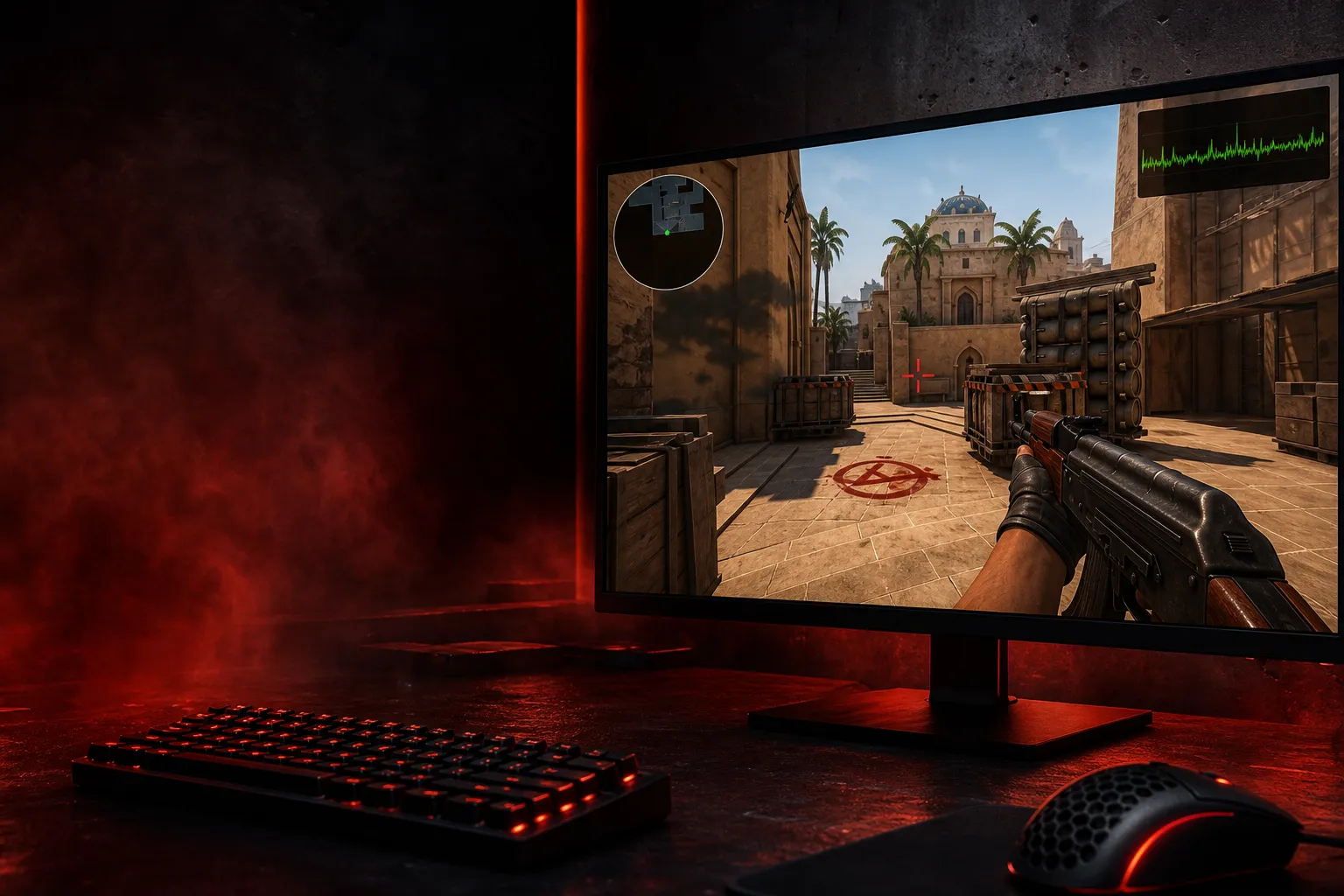
I’ve watched too many players blame their aim settings after losing a Mirage half 13-11. Then you look at the demo and it’s not the 1.8 sens killing them — it’s their broken crosshair setup, awful audio, jittery FPS, or a HUD that hides info they desperately need when the round’s on a knife edge. In CS2, sensitivity matters, sure. But if your other settings are a mess, you’re basically trying to play Premier on hard mode for no reason.
The sensitivity obsession is killing your progress
Here’s the truth: most players don’t lose because their sensitivity is 0.05 too high. They lose because their game feels inconsistent. CS2 is built on Source 2 and subtick, which means tiny timing and visibility issues matter more than people want to admit. If your frames dip from 240 to 160 when smokes bloom on Inferno Banana, your mouse aim isn’t the biggest problem in the room.
Look at the pros. s1mple, ZywOo, m0NESY, donk — none of them are sitting around obsessing over some magical sens number like it’s the holy grail. They care about clean visuals, stable FPS, readable crosshairs, and being able to hear a footstep on Ancient B red before the other guy even thinks he’s in range. That’s where real consistency comes from.
1. Video settings: the difference between seeing first and dying blind
Video settings are the biggest hidden performance upgrade in CS2. Not glamorous. Not sexy. Way more important than people think.
If your PC can’t hold steady frames, you’re fighting input delay and visual clutter at the same time. CS2’s smoke, lighting, and particle effects can get heavy fast, especially on maps like Nuke and Vertigo where utility spam turns every round into a slideshow if your settings are lazy.
What to actually care about
- Resolution: pick one you can track heads with. 1280×960 stretched is still popular for a reason.
- Refresh rate: 144Hz is fine, 240Hz is better, 360Hz is nasty if your rig can hold it.
- FPS stability: a locked 240 feels better than swinging between 180 and 300.
- Shadow quality: low or medium, because you’re not here to admire floor textures on Dust2.
If you’re on a 144Hz monitor and your settings tank you to 90-110 FPS in fights, fix that before you touch your sens again. Raw aim can’t save a stuttering client.
2. Crosshair and viewmodel: tiny changes, huge payoff
People love to treat crosshairs like fashion accessories. That’s silly. Your crosshair should be readable in every fight, not cute in a screenshot.
A bad crosshair gets lost in smokes, blends into wall textures, or shifts your attention too much when you swing connector on Mirage. A good one disappears until you need it. Same deal with viewmodel — if yours blocks half of short A or your own jiggle timing on Banana, it’s working against you.
Pros keep this stuff simple for a reason. You don’t see ZywOo running some chaotic neon disaster. You see clean, static setups that let him focus on timing, pre-aim, and counter-strafing. That matters more in CS2 because the game already gives you plenty of visual noise.
Try this mindset: if you can’t instantly see your enemy’s head at 20 meters without squinting, your crosshair is wrong. If your gun model covers common angles on the map you play most, your viewmodel is wrong.
3. Audio settings: footsteps win rounds, not vibes
Audio is one of those things players ignore until they get sound-diffed three times in a row. Then suddenly they’re mad at the game, the headset, their teammate, the moon — anything except the actual setup.
CS2 audio matters a ton because so much of the mid-round game is information based. A player walking up Top Mid on Mirage, a late lurk through Apartments on Inferno, a boost sound on Nuke ramp — all of that is free round control if you hear it early enough.
Turn on proper stereo imaging. Don’t crank everything to max and call it good. If gunfire is blasting your ears while footsteps sound like they’re coming from a different ZIP code, your mix is bad. Clear comms, clear cues, less tilt.
One thing I see a lot: players keep music too loud or leave voice chat drowned out by effects. That’s fine if you’re queueing Deathmatch. In a real Premier game, it’s garbage. Hearing “3 A” clearly at 00:38 can be the difference between a smart rotate and a total sell.
4. Radar and HUD: free info if you stop hiding it
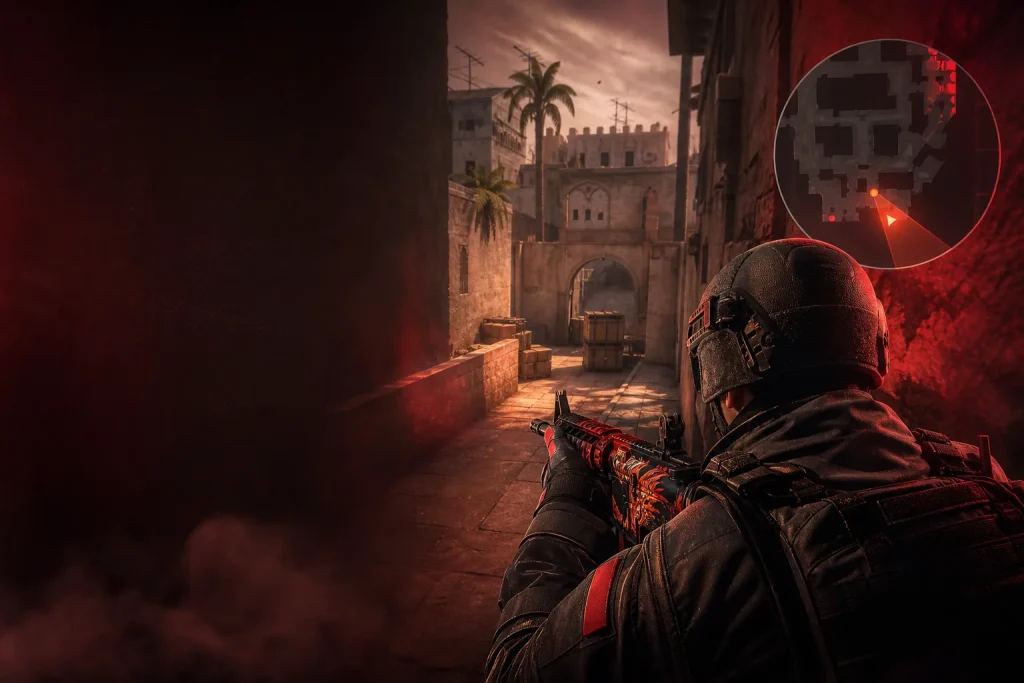
This one gets slept on constantly. Radar settings don’t make highlight clips, but they win rounds. If your radar is tiny, zoomed in weird, or positioned where you miss it during fights, you’re choosing to play with less info than everyone else.
Good radar settings help with mid-round decisions, especially on maps with constant movement like Ancient and Anubis. Knowing that your teammate saw two top mid while you’re holding cave is the kind of thing that saves a round before it gets messy.
Same with HUD scale. If your money, armor, utility, and team status are hard to read, you’re slower on buy calls and mid-round decisions. CS is already a game of second guesses; don’t make your UI another enemy.
- Radar should be big enough to read instantly.
- HUD should show utility clearly.
- Team equipment info helps with force-buy calls — especially around the $2,400 and $3,500 round economics.
- Don’t hide the stuff that tells you whether to save, half-buy, or force with Deagles and armor.
5. Network and input settings: the stuff people blame too late
This is where a lot of players finally realize the problem wasn’t their aim at all. If your network settings are bad, or your system is full of random background junk, your inputs can feel muddy and delayed even when your sens is technically perfect.
CS2’s subtick system changed the way a lot of shots and peeks register, but that doesn’t mean bad connection or unstable setup stopped mattering. It still matters. A lot. Especially in close fights where the difference between a clean counter-strafe and a half-step mess decides the duel.
Do the boring stuff:
- Use wired internet if you can.
- Close background downloads.
- Make sure your polling rate is stable.
- Check for weird mouse acceleration or operating system junk.
And yeah, if you’re on a mouse at 500Hz while everyone around you is running 1000Hz or higher, that won’t magically make you bad — but it’s not helping. CS is full of tiny margins. Stop handing them away.
Why sensitivity is the last thing you should obsess over
Sensitivity matters most after the rest of your setup is already decent. That’s the part people skip. They go straight to finding a “perfect” number, then keep changing it every three days because their aim still feels off. Of course it does. Your game might be running like trash, your audio could be terrible, and your HUD might be hiding useful info while you’re busy doing wrist math.
If you want a simple order of operations, it goes like this: get steady FPS, clear visuals, readable crosshair, usable audio, then lock in your sens and stop touching it every time you whiff a spray in Palace. The best players in the world don’t build consistency on chaos. They reduce variables until the only thing left is decision-making and mechanics.
That’s why some players improve fast in CS2 and others stay stuck for months. The first group fixes the boring settings nobody brags about. The second group keeps chasing a magical sensitivity and calling it progress.
So ask yourself this: are you actually bad at aiming, or are you just playing with settings that make every fight harder than it needs to be?